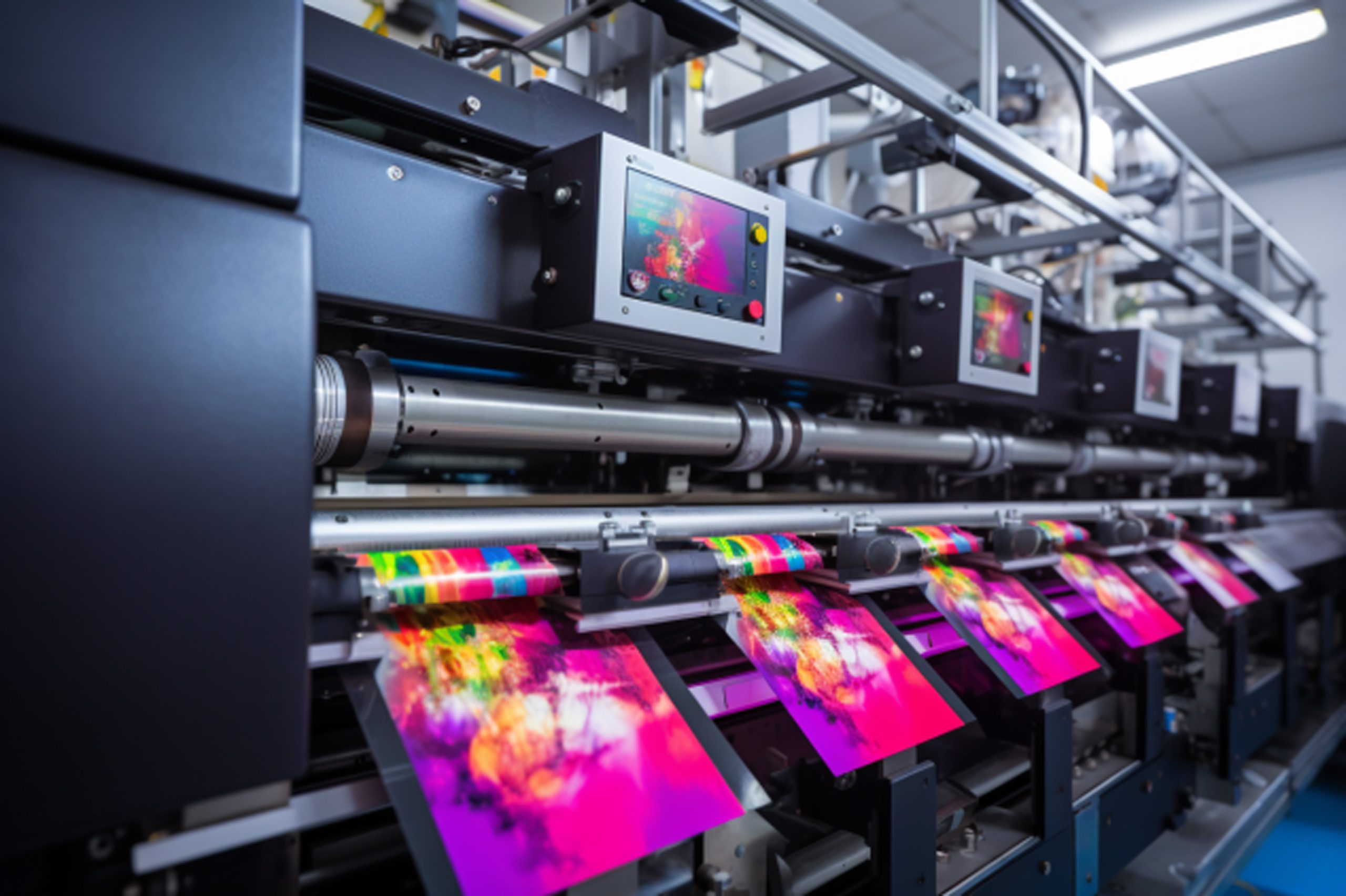
When it comes to enhancing your print quality with UV
DTF gangheets, avoiding common mistakes is paramount. Many professionals overlook critical aspects of UV DTF printing that can lead to unsatisfactory outputs. From improper design preparation to neglecting printer maintenance, these pitfalls can compromise both the durability and vibrancy of your prints. By recognizing the top mistakes to avoid when working with UV DTF gangheets, you can elevate your print quality and efficiency significantly. This article aims to guide you through essential practices that will ensure you achieve stunning and long-lasting results.
In the fast-evolving world of digital printing, understanding the nuances of UV Direct-to-Film (DTF) methodologies is essential for crafting exceptional outputs. UV DTF printing has revolutionized the way we approach print production, offering vibrant colors and durability with the right techniques. However, effective production relies greatly on avoiding common UV printing mistakes that can derail your entire project. Whether it's ensuring optimal design settings or maintaining your UV printer diligently, this guide will illuminate crucial steps every print operator should take. By addressing common DTF print errors thoughtfully, you can ensure not only enhanced quality but also a more streamlined operation.
Understanding Common UV DTF Printing Mistakes
When diving into the world of UV Direct-to-Film (DTF) printing, many operators often overlook key elements that can lead to substantial mistakes. One prevalent error stems from inadequate design preparation. If designs are not vectorized or optimized for printing, the resulting outputs can suffer from miscoloration and poor quality. Such issues can cause clients to be dissatisfied with the final products, affecting both reputation and business profitability. It's critical to understand the nuances of design preparation and ensure that all files are set up correctly before printing begins.
Furthermore, operators should pay close attention to color profiles, as RGB settings do not translate well to UV printing. Designers need to convert files to CMYK to maintain color accuracy. Additionally, using high-resolution images, ideally at 300 DPI or more, is essential to avoid pixelation in prints. By taking these preparatory steps seriously, you can dramatically reduce the risk of DTF print errors and enhance the overall quality of your outputs.
Key Printer Calibration Techniques
Printer calibration is a pivotal aspect of UV printing that many operators underestimate. Regularly calibrating the UV printer not only helps maintain optimal print quality but also prevents issues like banding and inconsistent ink application. It is vital to schedule calibrations frequently, ideally before significant production runs, ensuring every print job starts with the best possible conditions.
Adhering to the manufacturer's instructions during calibration routines is essential. Each printer may have distinct requirements and procedures that must be followed closely. Failing to calibrate correctly or skipping these crucial steps can lead to costly errors and product reprints, ultimately wasting both time and resources. Investing the time in proper calibration sets a solid foundation for successful UV DTF printing.
Best Practices for Film Handling in UV DTF Printing
Proper film handling plays a crucial role in the success of UV DTF printing projects. Films must be stored in suitable conditions to maintain their quality; this means keeping them in climate-controlled environments away from direct sunlight and dust. These external factors can severely impact ink adhesion, leading to subpar print results.
When it comes time to handle the films, using clean hands or gloves is highly recommended. Any oil or dirt transferred from fingers can damage the film's coated surface, compromising print quality. By implementing clean handling practices and maintaining proper storage conditions, operators can help ensure the quality and longevity of UV DTF prints.
The Significance of Quality Adhesives in UV DTF Printing
Adhesive quality is often an overlooked aspect of the UV DTF printing process. Using substandard adhesives can lead to issues such as lifting or peeling prints after application, which not only diminishes quality but also affects customer satisfaction. It is essential to research and invest in high-quality adhesives specifically formulated for UV DTF printing to ensure optimal performance.
Conducting tests on different substrates before a major job can also help determine the best adhesive application processes. By experimenting with various materials, operators can find the ideal combination that provides strong and lasting adhesion, thereby enhancing the overall quality of the final product.
The Crucial Steps for Effective UV Curing
Curing is perhaps the most critical step in the UV DTF printing workflow, where insufficient or excessive UV exposure can significantly alter print quality. Operators must ensure that curing settings align with the manufacturer’s recommendations, including the correct intensity of UV lamps and appropriate curing times. Balancing these factors is vital; too little curing can lead to smudged prints, while too much can cause brittleness, resulting in easy damage.
To avoid these pitfalls, it is wise to perform test runs and adjust settings based on empirical results. Regularly consulting the manufacturer's guidelines helps in establishing a reliable approach to curing, thereby facilitating consistent and high-quality print outcomes.
The Role of Maintenance in Achieving High-Quality Outputs
Regular maintenance of UV printers is essential for achieving high-quality prints. Just like any sophisticated equipment, neglecting maintenance can lead to breakdowns and poor performance. Implementing a schedule for routine cleanings, especially to maintain print heads and internal components, is crucial for preventing clogs and ensuring print longevity.
Being proactive about maintenance checks not only minimizes the risk of unexpected repairs but also enhances the printer's efficiency. Incorporating maintenance tasks into the regular workflow can save time in the long run and culminate in better print quality, contributing positively to the overall success of UV DTF printing operations.
Frequently Asked Questions
What are common mistakes to avoid when working with UV DTF gangheets?
When working with UV DTF gangheets, common mistakes include improper design preparation, inadequate printer calibration, and neglecting adhesive quality. Ensuring your designs are vectorized, regularly calibrating your printer, and choosing high-quality adhesives can help prevent issues and maintain print quality.
How can poor design preparation affect UV DTF printing quality?
Poor design preparation can lead to miscoloration and pixelation in UV DTF printing. To avoid this, always use vector graphics, convert colors to CMYK for accurate printing, and ensure your designs are set to a minimum resolution of 300 DPI.
Why is regular printer calibration crucial for UV DTF printing?
Regular printer calibration is essential in UV DTF printing because it maintains consistent print quality. Failing to calibrate can result in issues such as banding and uneven ink coverage. Schedule regular calibrations according to the manufacturer's instructions to avoid these common mistakes.
What mistakes should I avoid when handling UV DTF films?
When handling UV DTF films, avoid improper storage and contamination. Films should be kept in a climate-controlled environment away from dust and sunlight. Additionally, always handle films with clean hands or gloves to prevent oil and dirt from damaging the coated surface.
How important are curing settings in UV DTF printing?
Curing settings are critically important in UV DTF printing. Incorrect curing can lead to smudged or brittle prints. Always follow the manufacturer's guidelines for UV lamp intensity and curing time to achieve optimal results and avoid print defects.
What maintenance practices should I follow for UV DTF printers?
Regular maintenance is vital for UV DTF printers to ensure longevity and performance. Schedule routine cleanings of print heads, check for clogs, and incorporate maintenance checks into your workflow to prevent costly repairs and downtimes.
| Common Mistakes |
Key Points |
| Poor Design Preparation |
Optimize designs (vectorize, correct color profiles, high resolution) |
| Inadequate Printer Calibration |
Regularly calibrate your printer to prevent issues |
| Improper Film Handling |
Store films properly and handle them with clean hands |
| Neglecting Adhesive Quality |
Use quality adhesives and perform adhesive tests on materials |
| Incorrect Curing Settings |
Ensure optimal curing settings according to manufacturer guidelines |
| Underestimating Material Compatibility |
Conduct compatibility tests before major print jobs |
| Lack of Regular Maintenance |
Schedule regular maintenance and cleanings for your printer |
Summary
When working with UV DTF gangheets, it is essential to avoid common mistakes that can compromise the quality and efficiency of your prints. By understanding the importance of design preparation, printer calibration, and film handling, among other factors, you can enhance your printing outcomes significantly. Taking the time to focus on these aspects ensures that your prints are vibrant, durable, and professionally effective, ultimately contributing to a more successful workflow.